


Office
HWP files, Word files,
right in your browser
Open, edit and save Word, Sheets, Slides, HWP and PDF files in their original format, with nothing to install. Try it right away without signing in.
Get the highlights
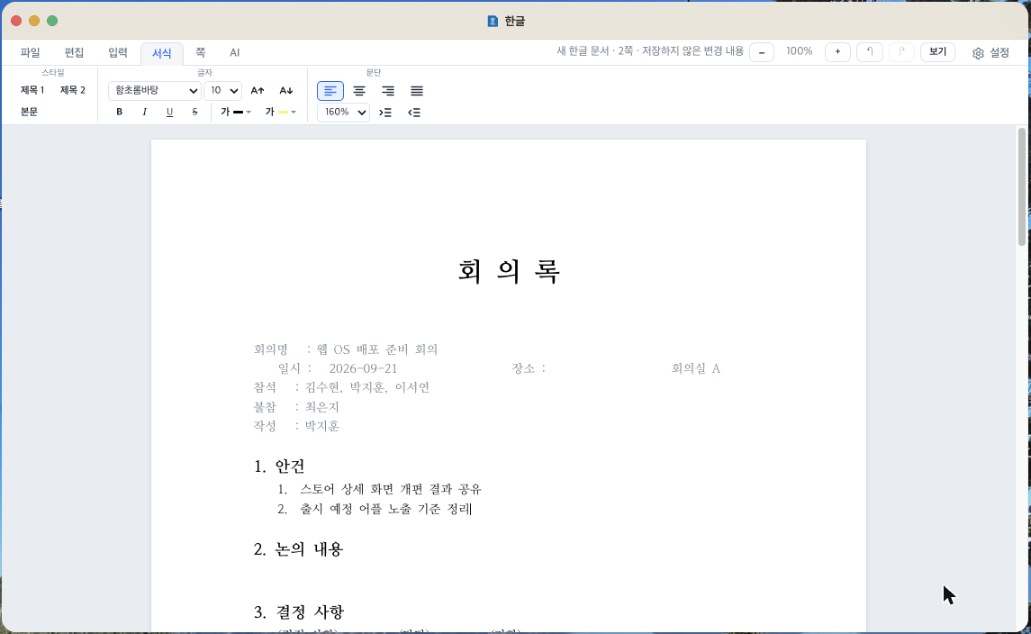
HWP without the Hangul app
Open and edit HWP and HWPX files, then save them back as HWP. Fix an HWP assignment and turn it in right from a PC café.
Just open the address and go
No install, no sign-up. It opens right away on school and PC café computers too.
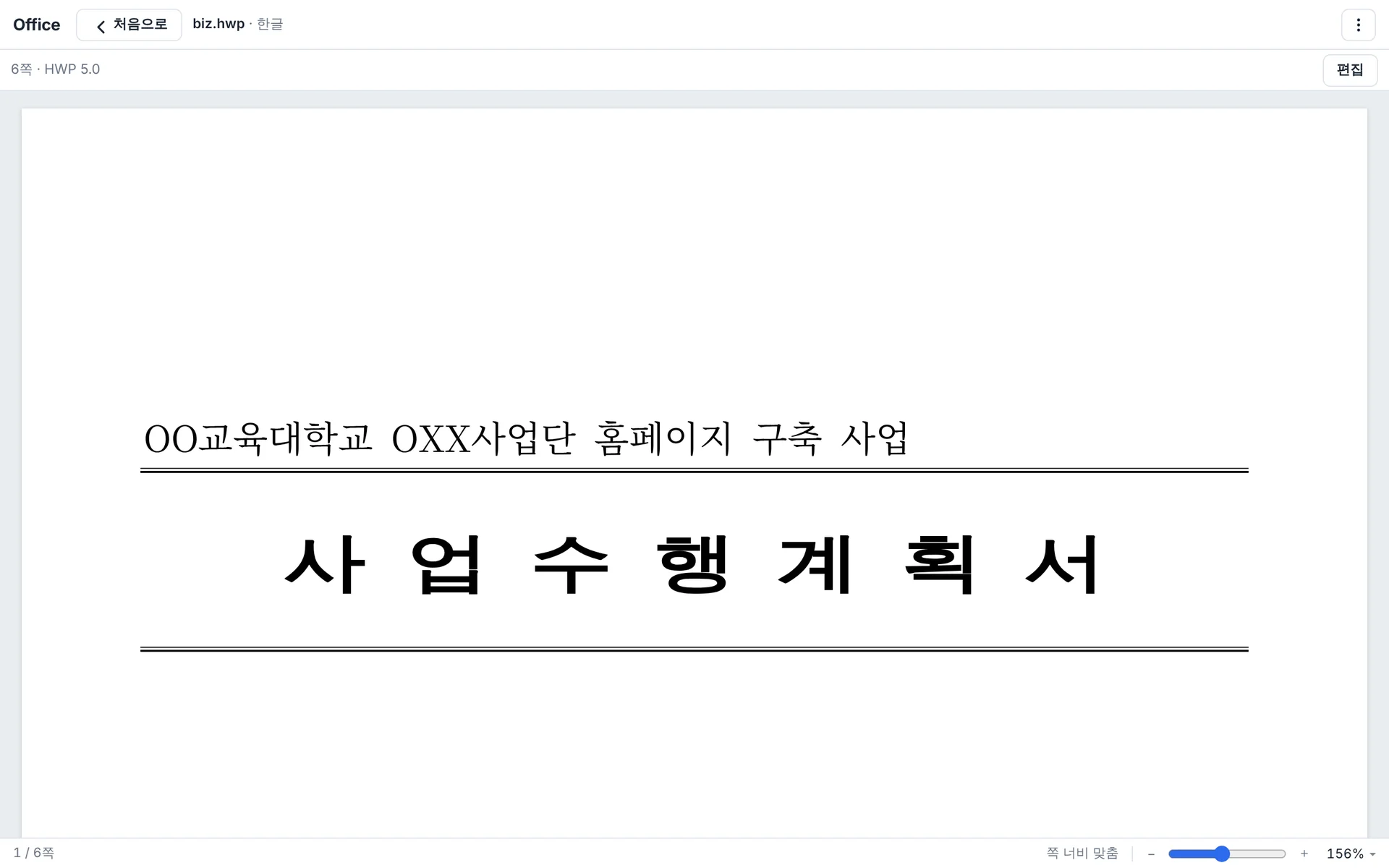
HWP and Word, both free
HWP, Word, Sheets, Slides and PDF are free for everyone. Open assignments or work documents without worrying about cost.
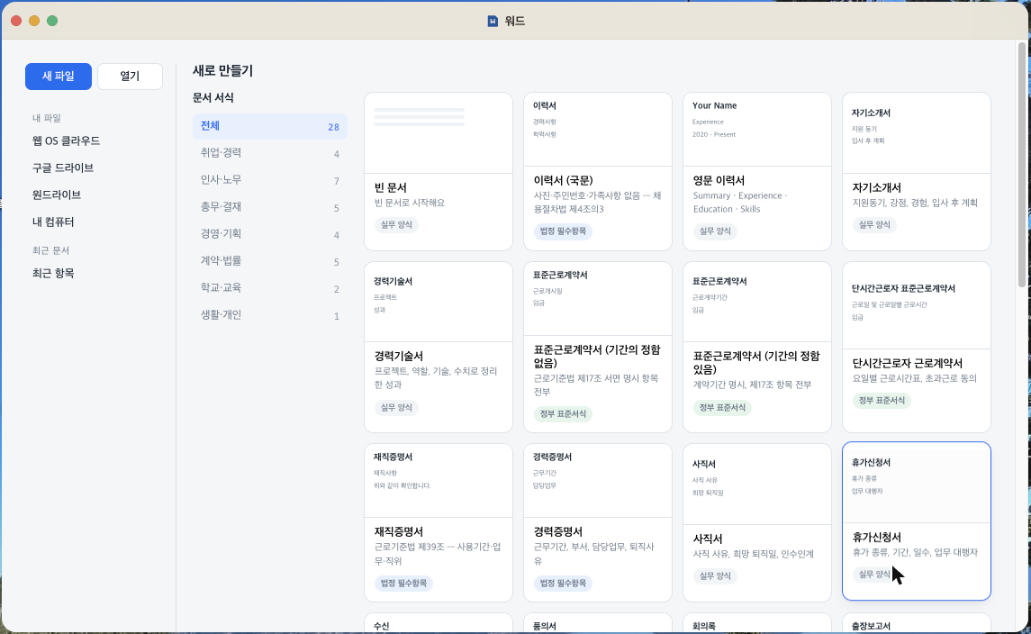
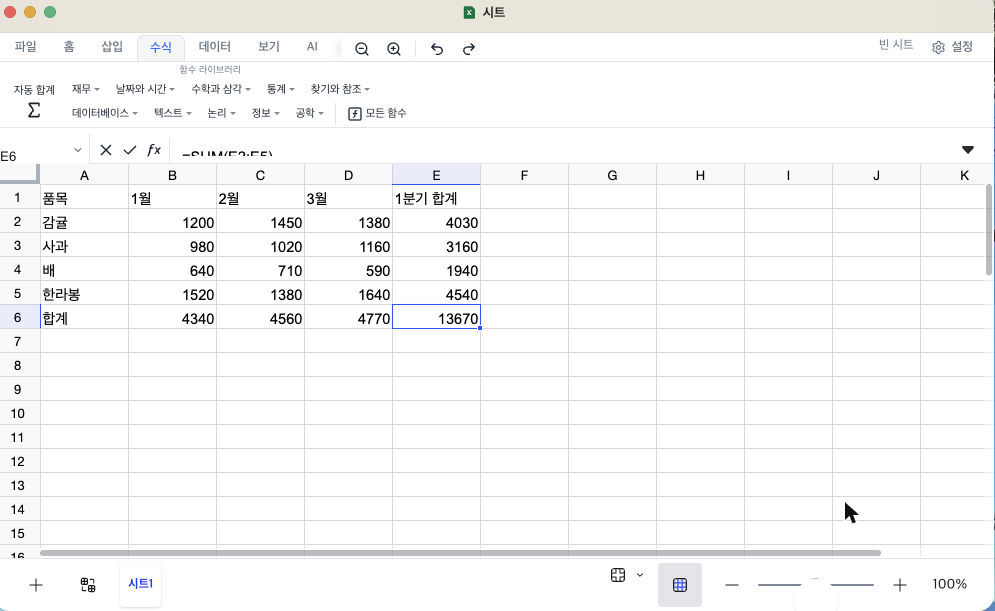
Word stays Word, Excel stays Excel
Edited files keep their format: DOCX saves as DOCX and XLSX as XLSX, so recipients open them as-is in Microsoft Office.
Every save goes to the cloud too
Sign in and every save also goes to Web OS cloud. Open it on another computer and keep editing.
Apps
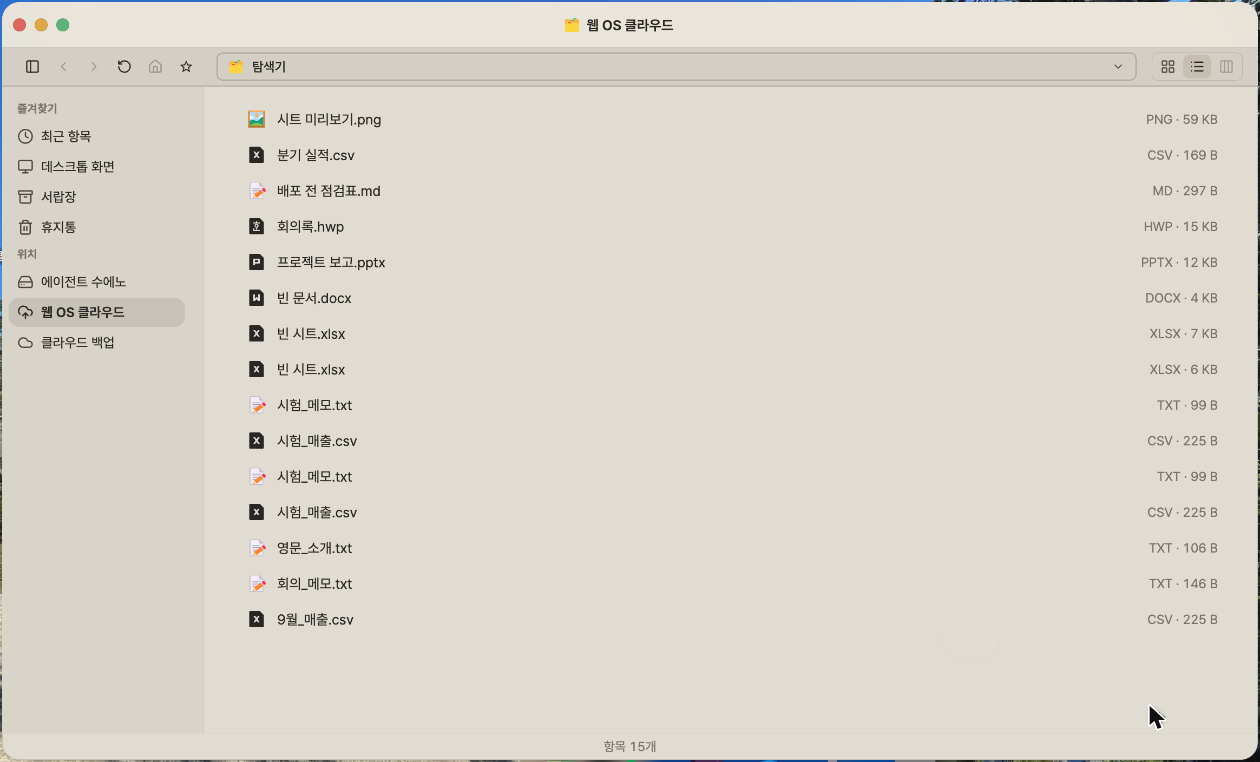
Open the app you need
Open, edit and save HWP, Word, Sheets, Slides and PDF in their original format, with nothing to install. Tap a card to open that app.
Start Office on the web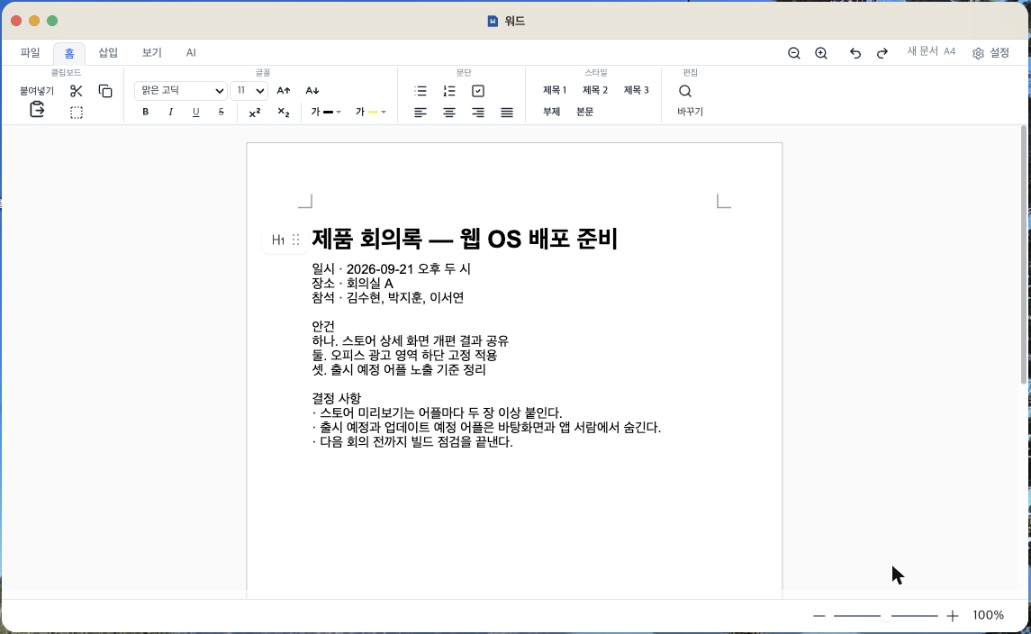
Why we made it
Finish your documents, even without your computer
Sometimes you need to open an HWP assignment on a PC café or school computer that doesn’t have the Hangul word processor. Or you can’t fix an urgent document because there’s no office suite license. We started Office for moments like these, so that a browser is all you need to finish your work, even without your own computer.
Turning in an assignment from a PC café. Edit and submit an HWP assignment right from a school or PC café computer. Office is free for everyone.
Continuing work documents at home. Keep editing at home what you started at work. Connect your home computer and you can open its documents from anywhere, too.
Borrowing someone else’s computer. Open it with no install and no sign-up. Edited documents download straight to the computer.
Even more features
Documents stay in your browser. If you use it without signing in, your documents never go to our servers.
Drive documents, directly. Open documents from Google Drive and OneDrive directly, or pick one to upload to when you save.
AI inside your documents. Sign in to hand spelling, translation and summaries to the in-document AI.
Home-computer documents, too. Edit a home-computer document opened from File Explorer and save it back to its original folder.
In your home computer’s folder, too. Documents saved to Web OS cloud also appear in the “Agent Bridge” folder on your home computer.
30 days offline. Verify the Mac or Windows desktop app once and edit documents offline for 30 days.
From open to save
Open a file
Pick a file on your computer and open it. If you’re signed in, you’ll also see files from Web OS cloud and your connected drives.
Edit
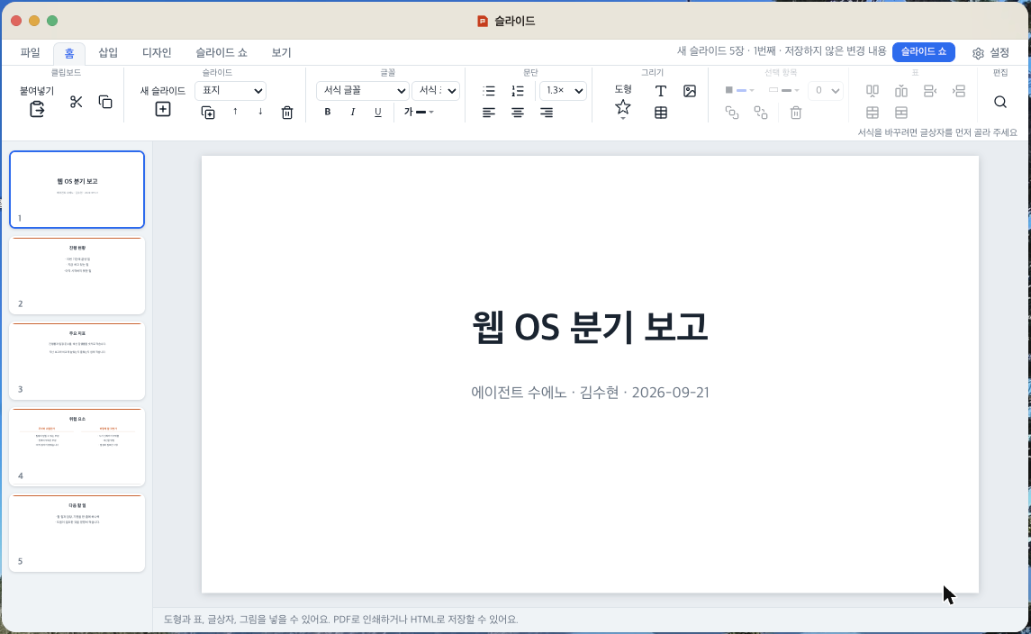
Edit text, tables and images. Sign in to let the in-document AI handle spelling and translation.
Save
Save in the same format you opened. A document you received as HWP goes back out as HWP.
Desktop app
No internet? Use the desktop app
Office is available as an app for Mac and Windows. Verify once and edit documents offline for 30 days. The desktop app is free too.
Get the desktop appSpecs
- Installation
- Not required. It opens right in your browser.
- Supported formats
- HWP, HWPX Word DOCX Sheets XLSX, XLSM, CSV Slides PPTX PDF
- Requirements
- An up-to-date browser with an internet connection
- Price
- Completely free. No save limits, no ads.
- Desktop app
- Available for Mac and Windows. Free when you sign in, and after verifying once you can edit offline for 30 days.
Frequently asked questions
Can I use it without signing in?
Yes. You can open and edit files and download them to your computer, with no limits. Sign in to auto-save documents to Web OS cloud and use the in-document AI.
Can I save an HWP file back as HWP?
Both HWP and HWPX files open and save in their original format, even on computers without the Hangul word processor.
Where are my edited documents saved?
When you click Save, the file first downloads to your computer. If you’re signed in, it’s also saved to Web OS cloud. You can also choose to upload it to Google Drive or OneDrive.
Where do I get the desktop app?
Sign in to Web OS and download it from the Office app. It’s free.
Is it free for students?
Yes. Office is free for everyone, students included.
Inside Office
One Office, eight tools
All eight are free with no sign-up. Use them without signing in and your files never reach our servers.
Hangul
Word processor
- Type Japanese with the on-screen keyboard, even on PCs without a Japanese layout
- AI translates the whole document while keeping the page layout
- Save your edits back as .hwp and hand it in as-is
Document
Word processor
- Saves as .docx without converting it to another format
- AI translation keeps your fonts and formatting
- Not happy with a translation? Undo it all at once with Restore
Sheet
Spreadsheet
- Saves as .xlsx, so recipients open it straight in Excel
- Translate every sheet at once
- Numbers and formulas are left untouched when translating
Slides
Presentation
- Tells you where anything renders differently from the original
- AI translates titles, body text and speaker notes in one go
- Restore the original even after translating
PDF
Document viewer
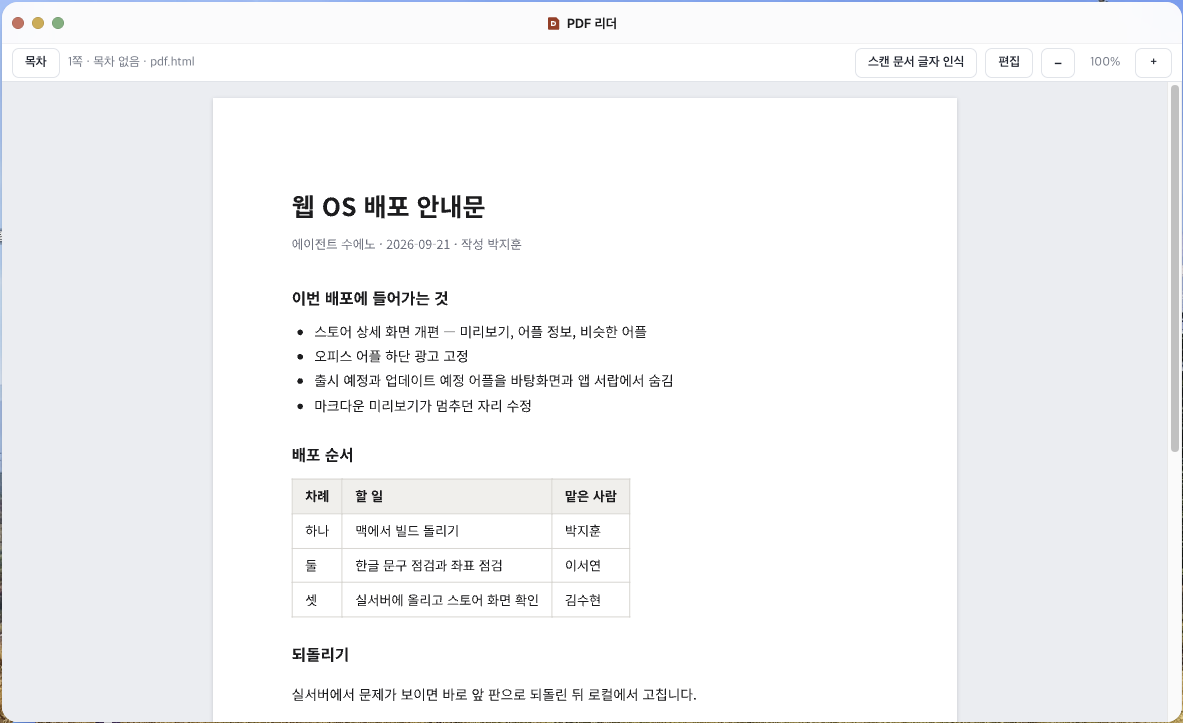
- Even files with hundreds of pages open lightly — only visible pages are drawn
- Jump to any section from the outline
Photo editor
Image editor
- Blur faces or numbers with pixelation before sharing
- Add notes with text and arrows
Video converter
Format converter
- Convert between mp4 and mov without losing quality
- Pull out just the audio or trim the part you need
CAD & 3D viewer
Drawing & 3D viewer
- Open DXF drawings without expensive CAD software
- Turn 3D models around and measure between two points
Open it in your browser now
Start right away. No install, no sign-up.