


Web OS
The work you left at home,
right where you left it
At school, at work or at a PC café, sign in from a browser and your desktop and documents are right there. Nothing to install.
Free to use during the beta.
Get the highlights
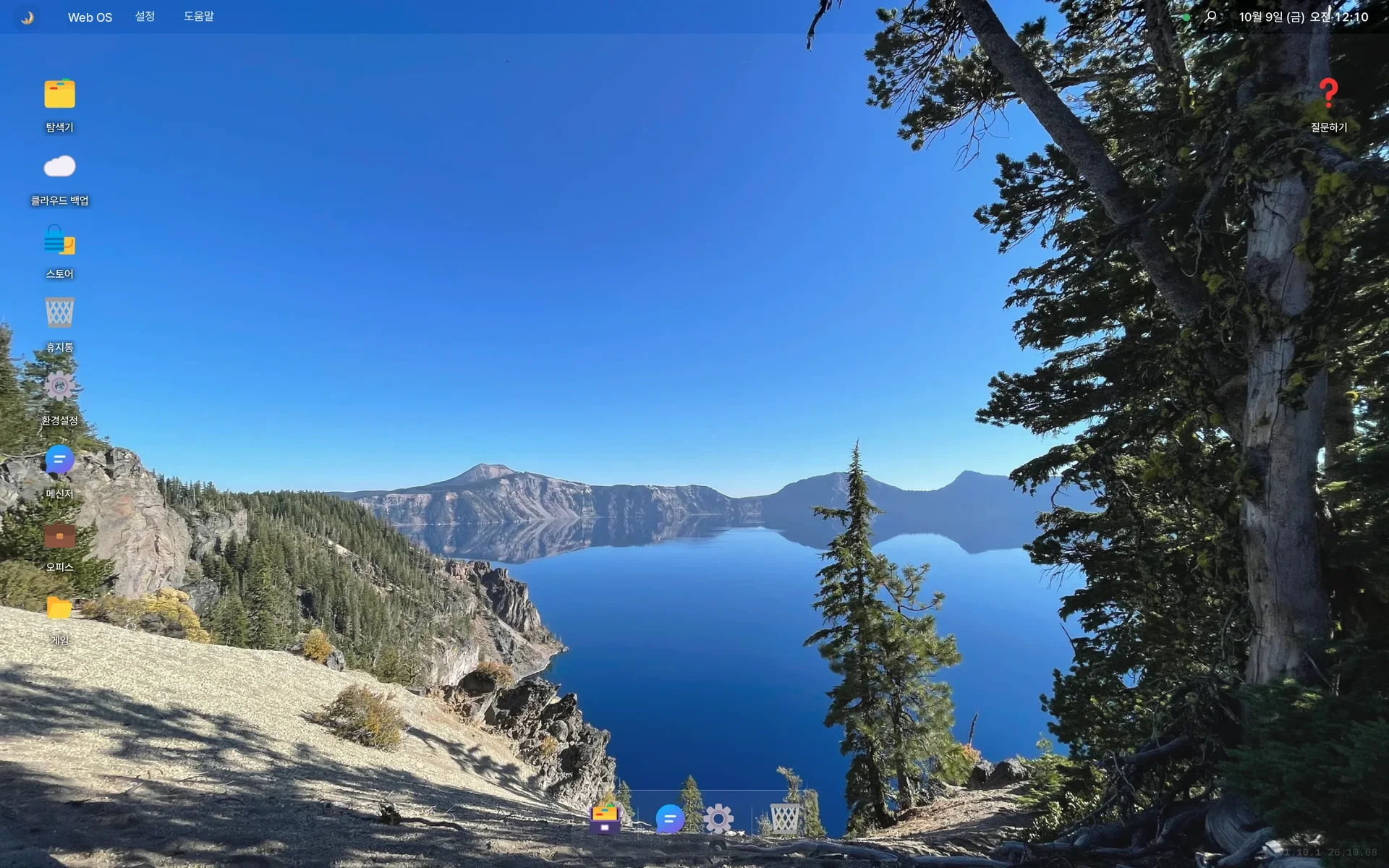
Your desktop on any computer
Sign in at school, at work or at a PC café, and your desktop and apps are just as you left them.
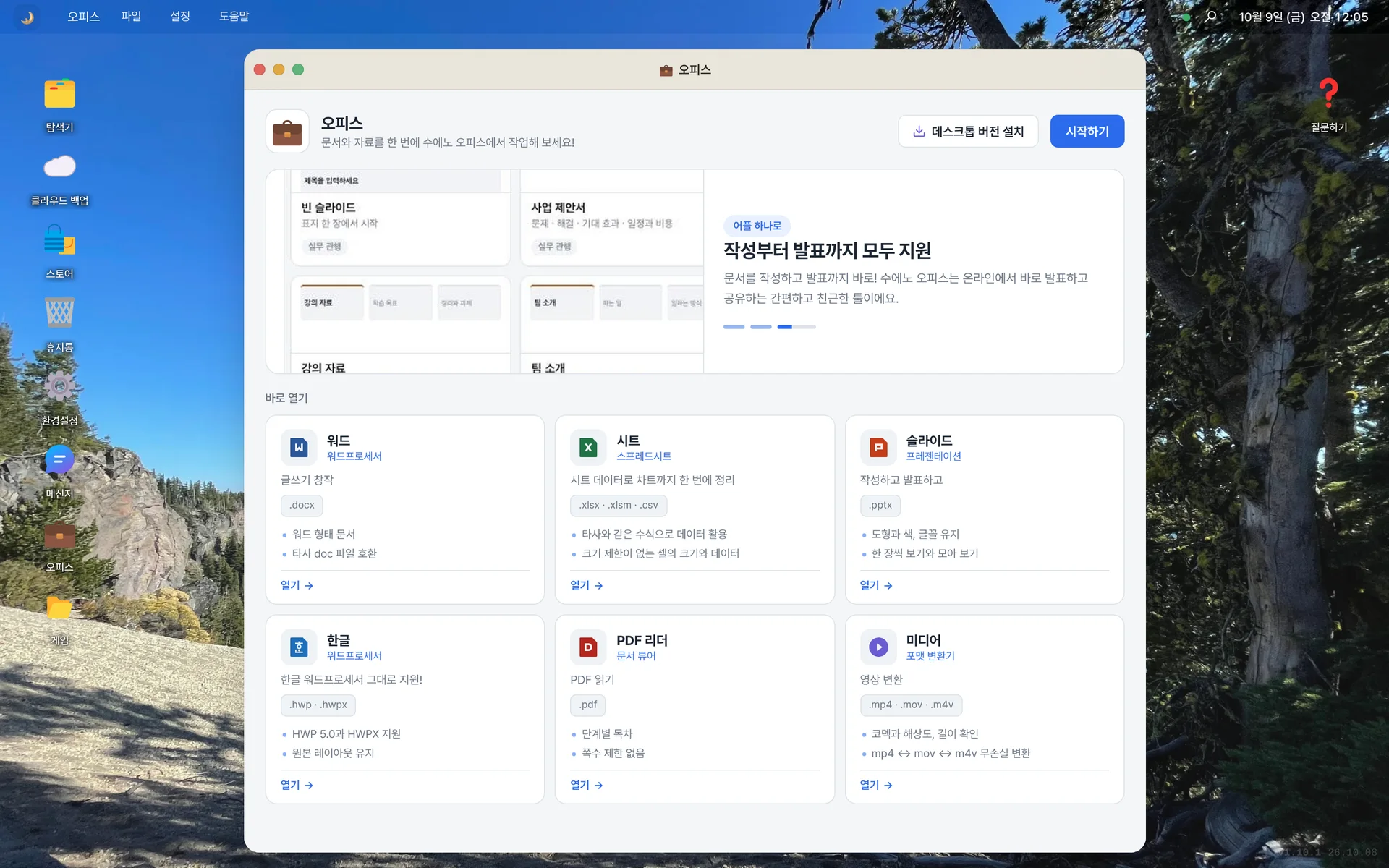
Office comes built in
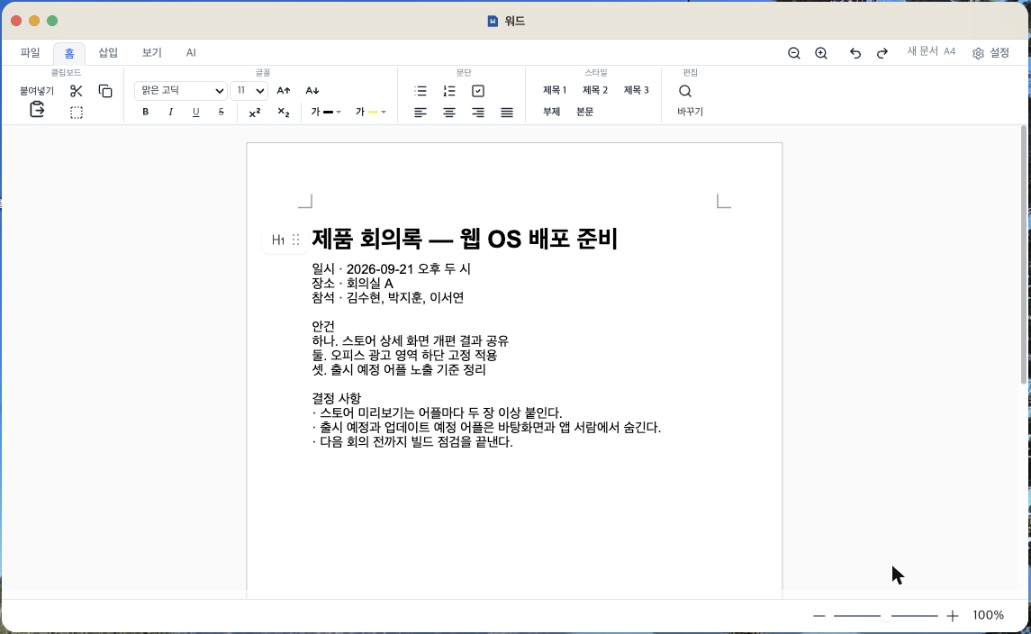
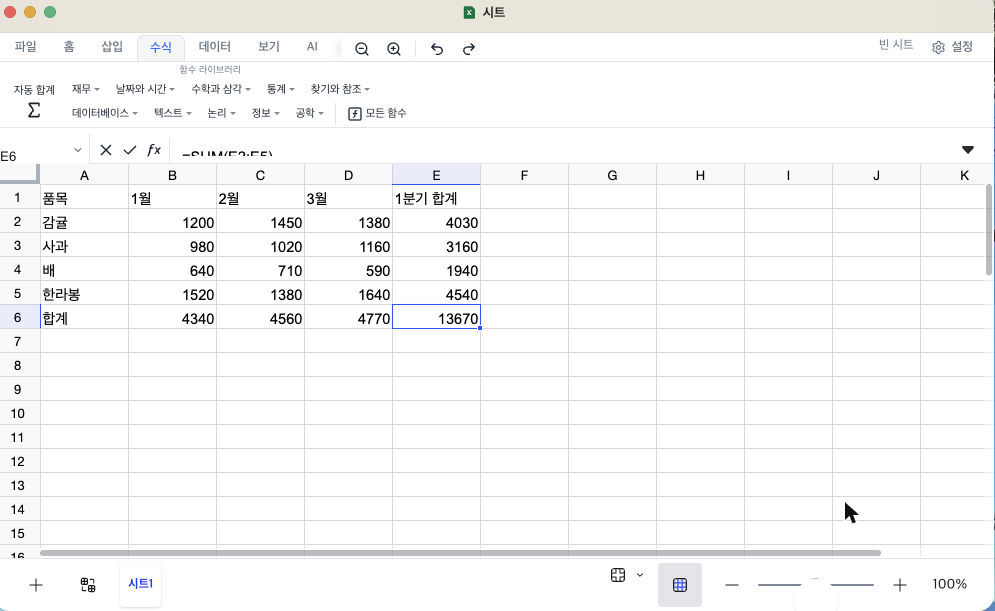
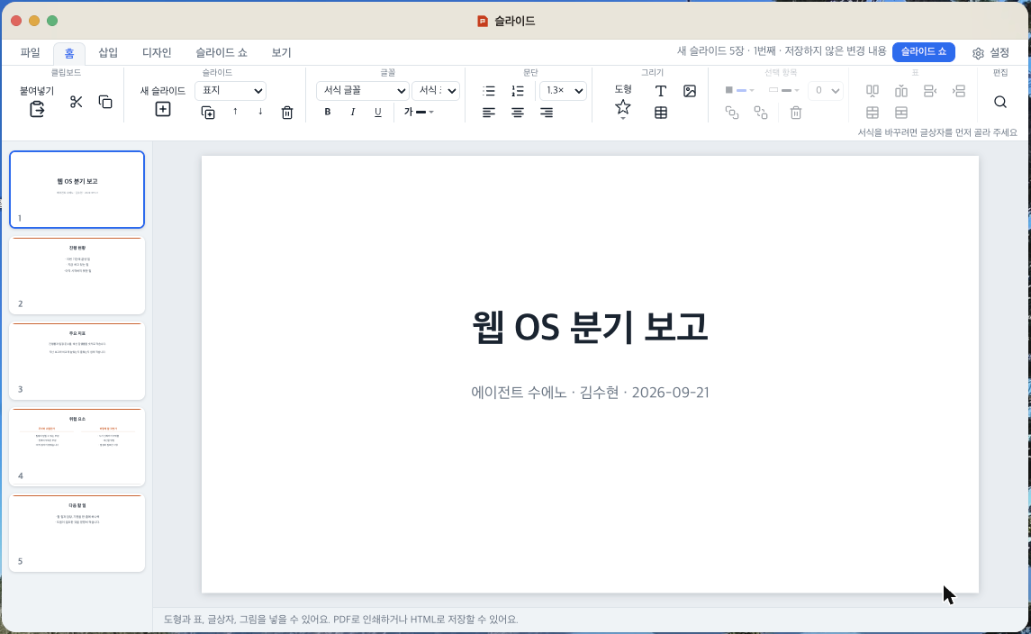
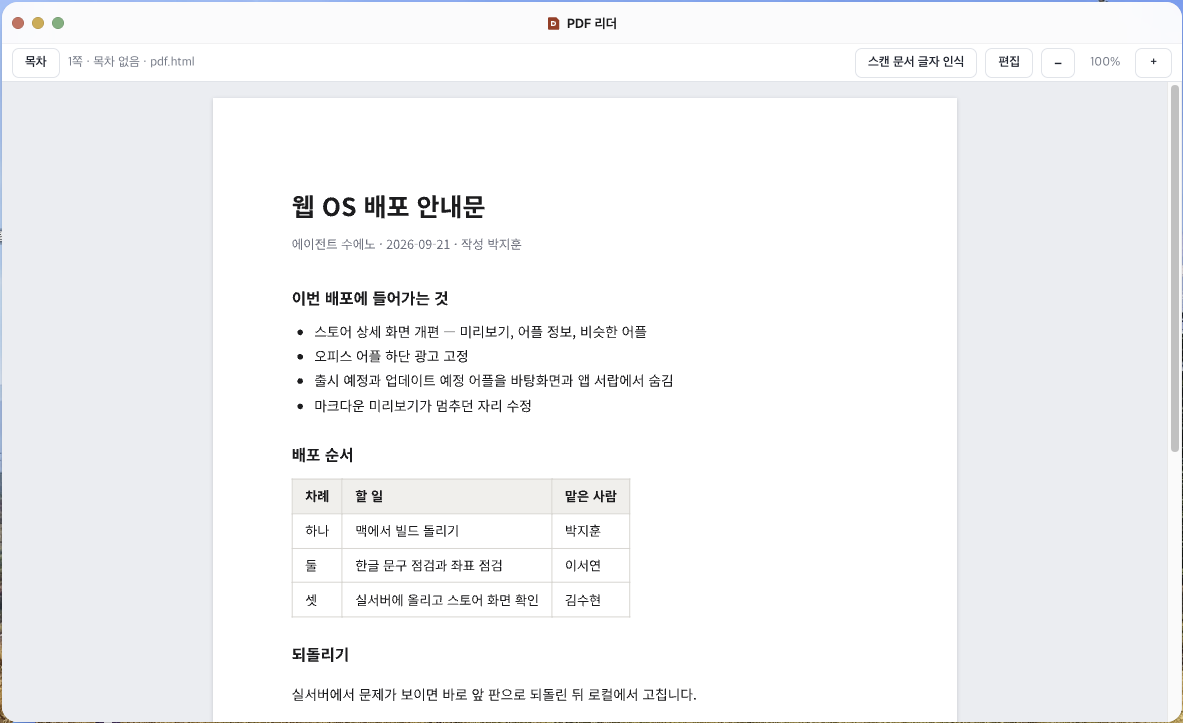
Open HWP, Word, Sheets, Slides and PDF files right away. No separate office suite license needed.
Nothing to install or update
All you need is a browser. New features are already there the next time you open it.
Your home PC folders, on the go
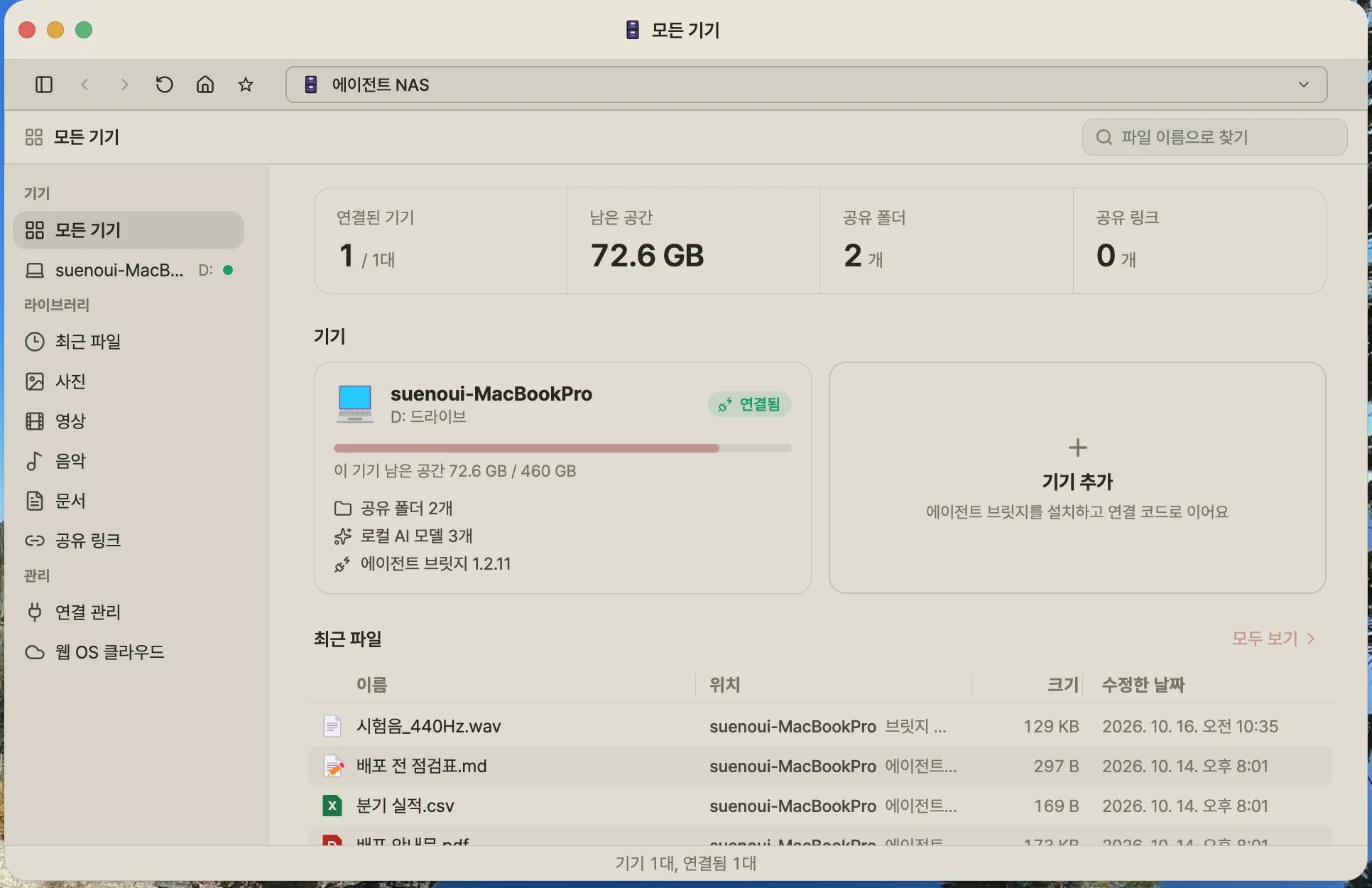
With Web OS NAS, open folders on your home PC and send or receive files. No more trips home for a forgotten file.
Anywhere
Your desktop, on any computer
Sign in from a browser at school, at work or at a PC café, and your desktop and apps are just as you left them. There’s nothing to install and nothing to update. New features are already there the next time you open it.
Read the User GuideDesktop. Pick up yesterday’s work on a different computer today.
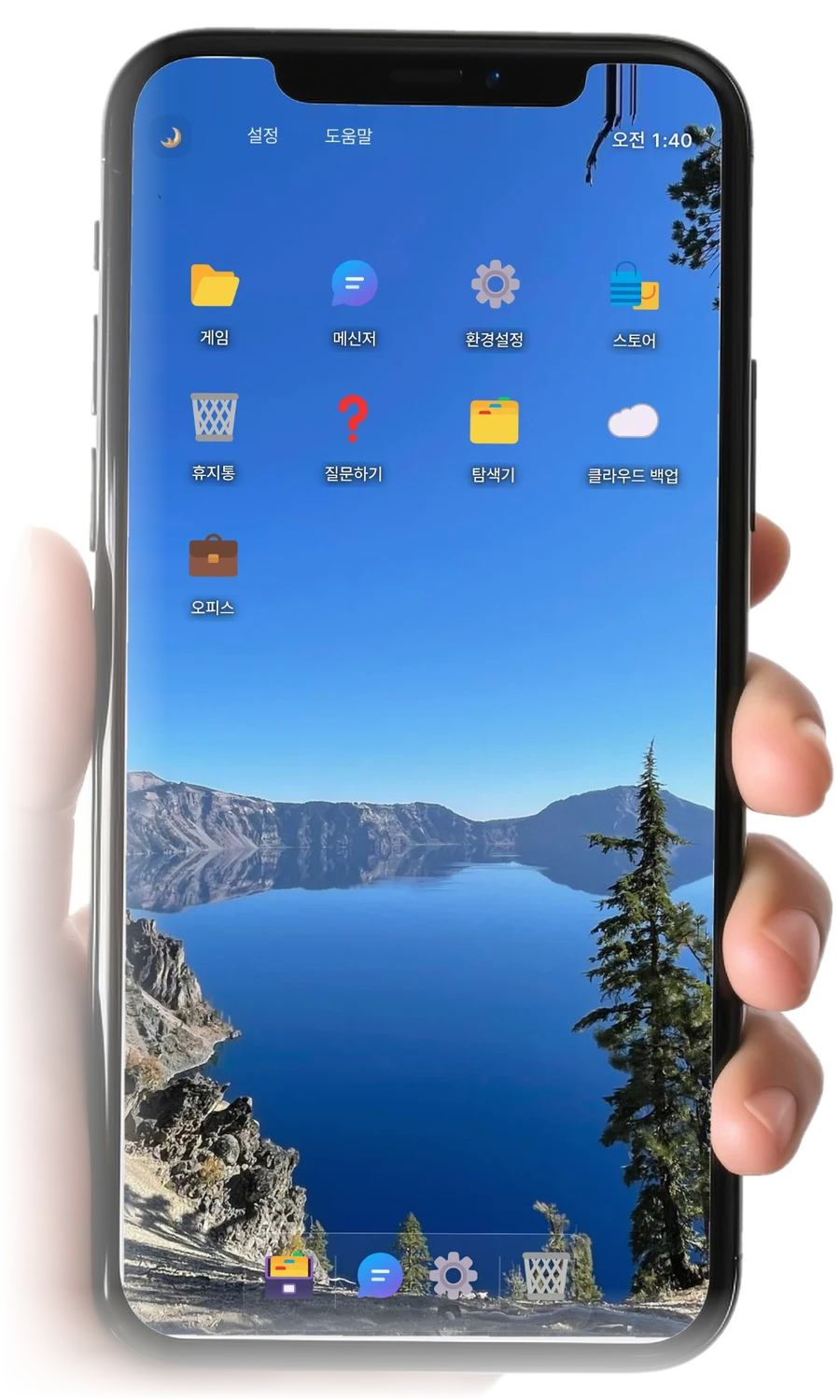
Phone. No app to install. Sign in from your phone’s browser and it fits your screen.
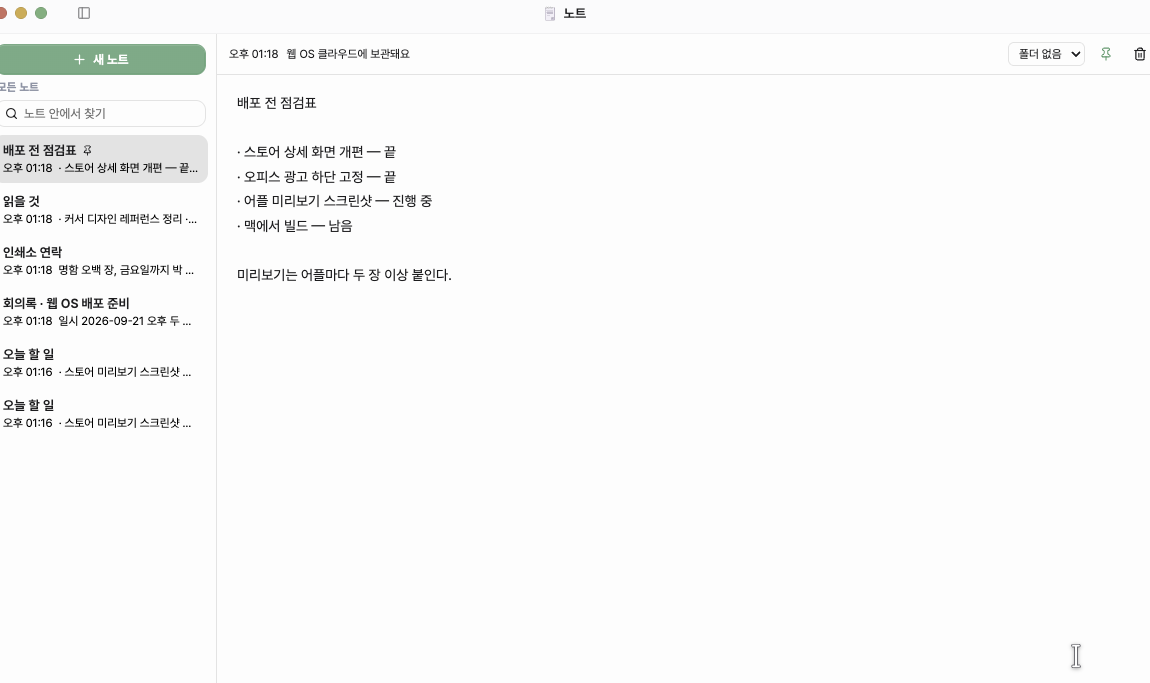
Notes. Pick up on your phone the notes you started on your computer. They back up automatically, so every device shows the same content.
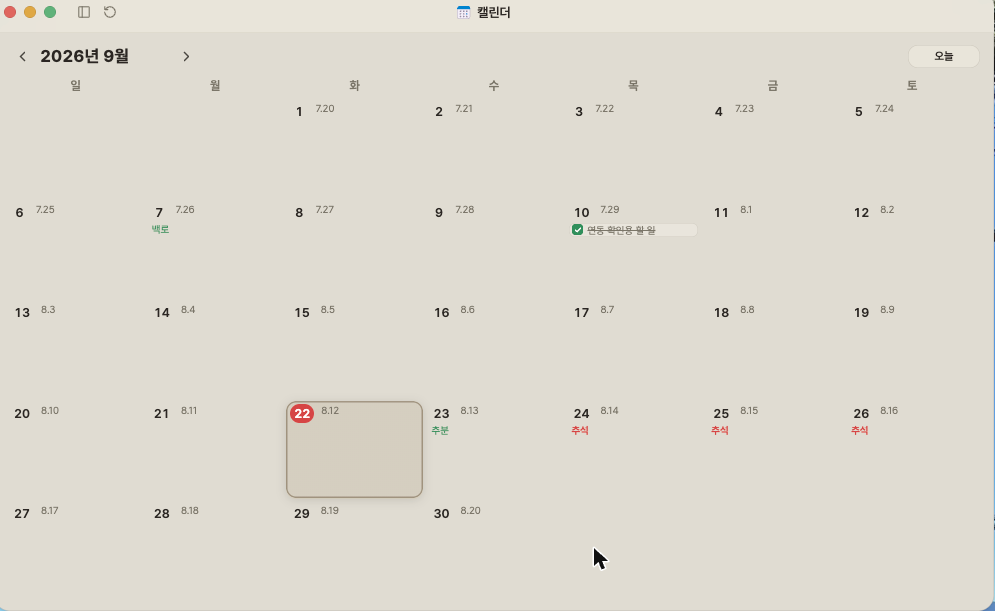
Calendar. Keep track of lunar birthdays and holidays in one calendar. Events you add look the same on your other devices.
Office
Documents, built right in
Open HWP, Word, Sheets, Slides and PDF files right away. No separate office suite license needed. When you’re signed in, documents save automatically to Web OS cloud, and the in-document AI can handle spelling, translation and summaries.
Learn more about Office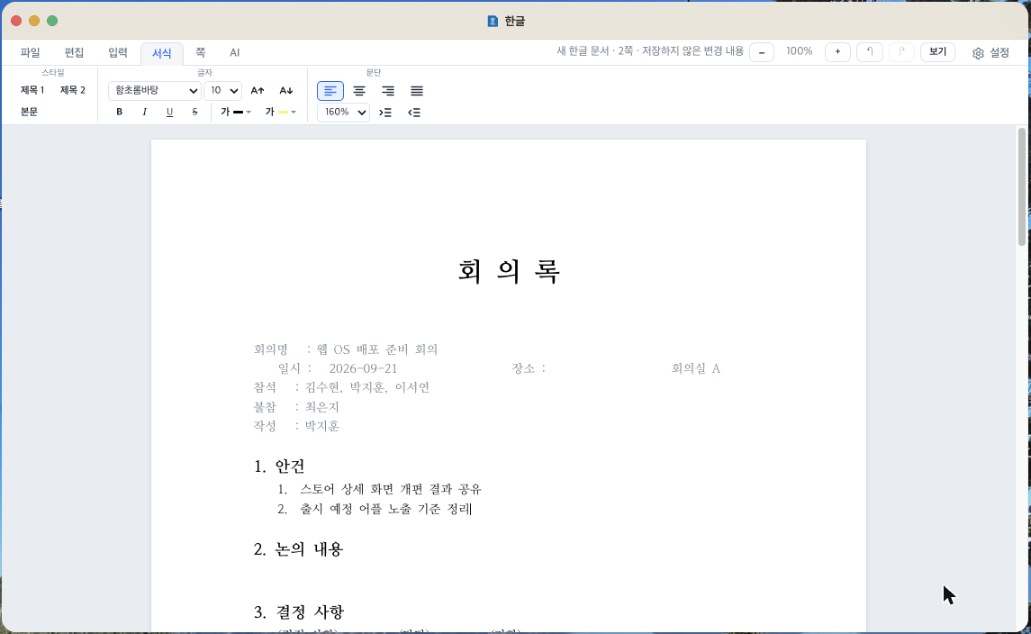
Connect
The more you connect, the more you can do
Connect Google Drive or OneDrive and your storage grows by the size of that drive. Connect Agent Bridge on your home computer to open its folders while you’re out and send or receive files.
Learn more about Web OS NAS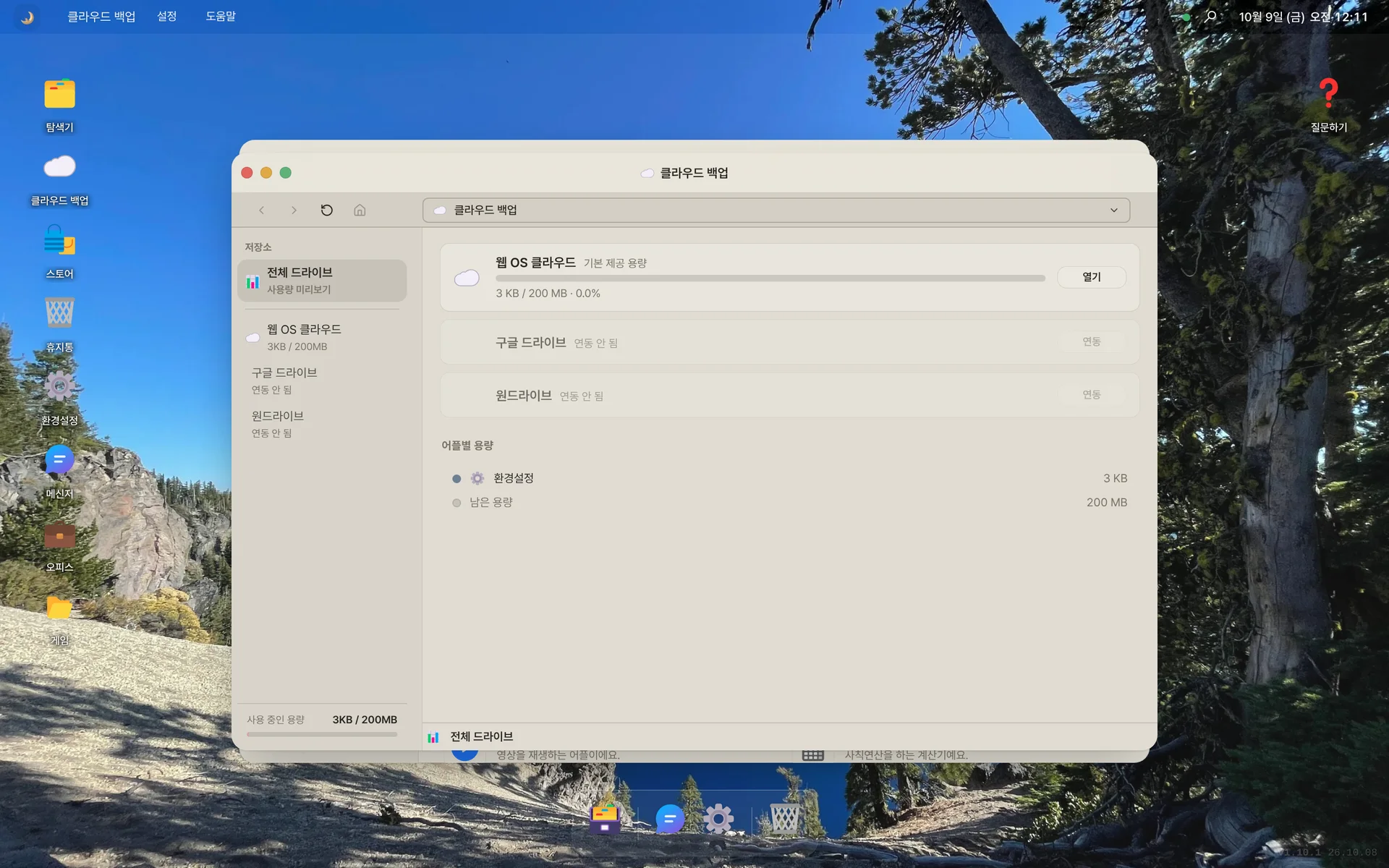
Google Drive and OneDrive. Connect them and use them inside Web OS. Your passwords never reach us.
Web OS NAS. See whether each device is on, its free space and shared folders at a glance, then open or upload files.
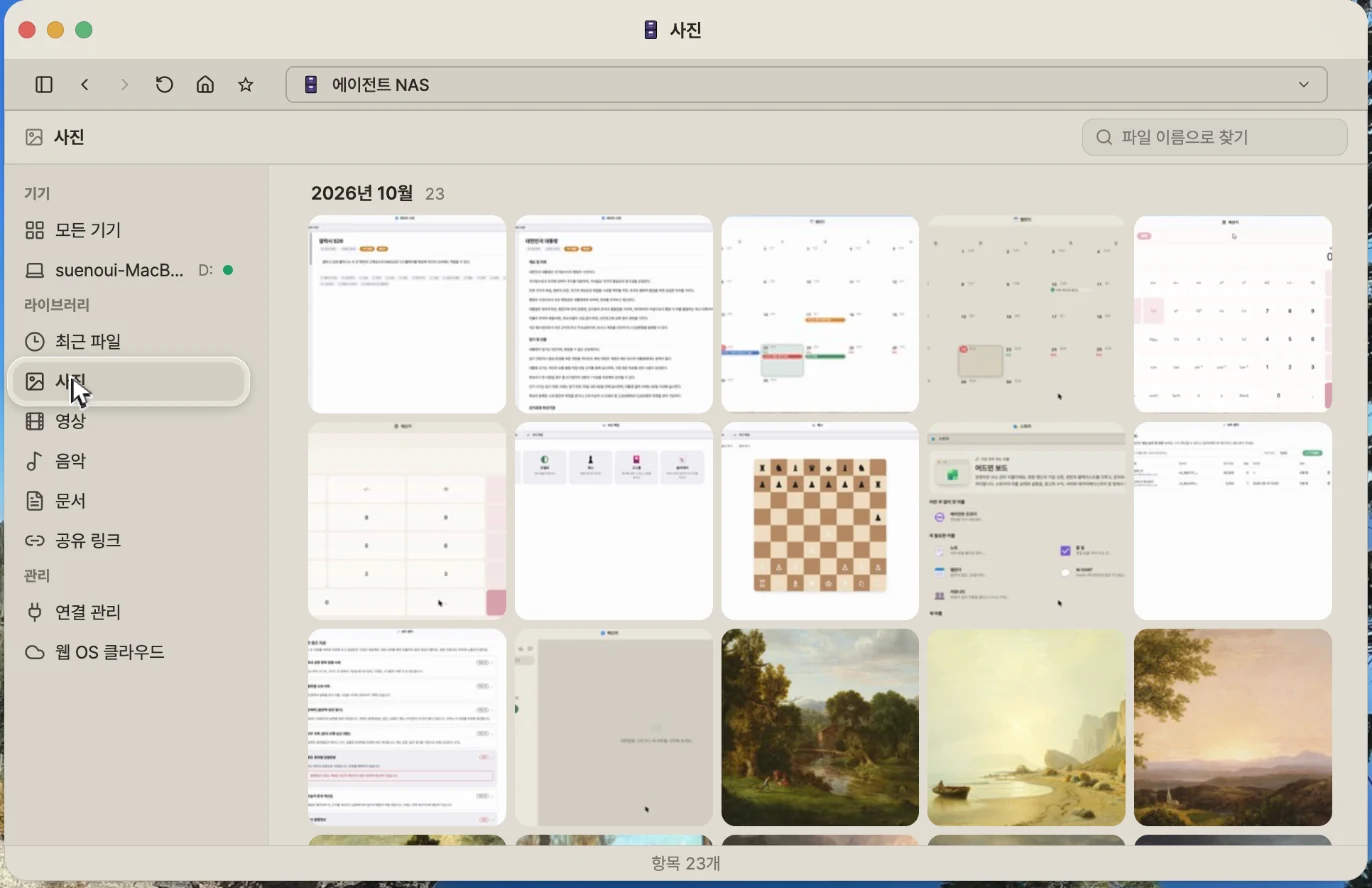
Photos. Photos and videos spread across folders come together in monthly previews.
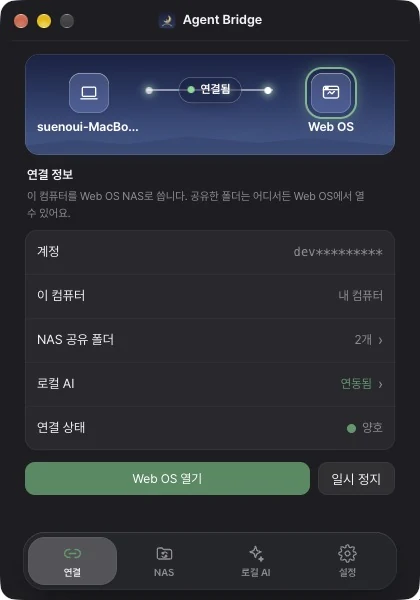
Agent Bridge. The “Agent Bridge” folder on your PC stays in sync with Web OS cloud. Save on either side and it shows up on both.
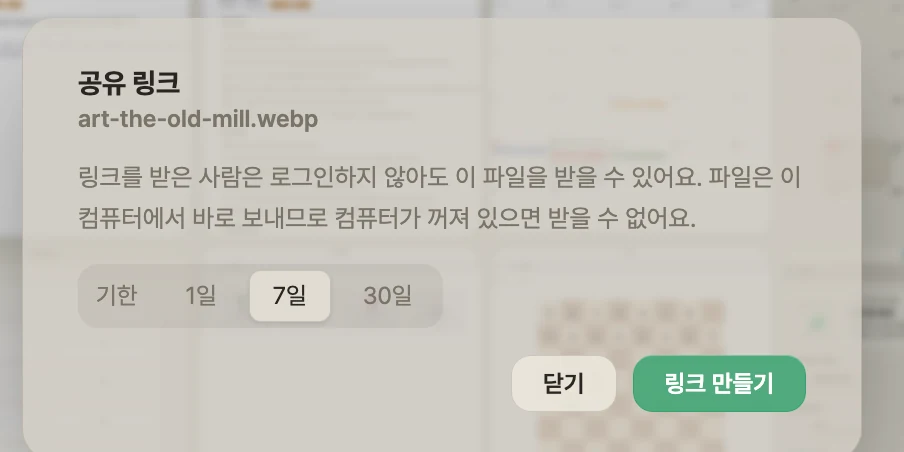
Share links. Send files with a link that expires. Recipients don’t need to sign up.
Apps
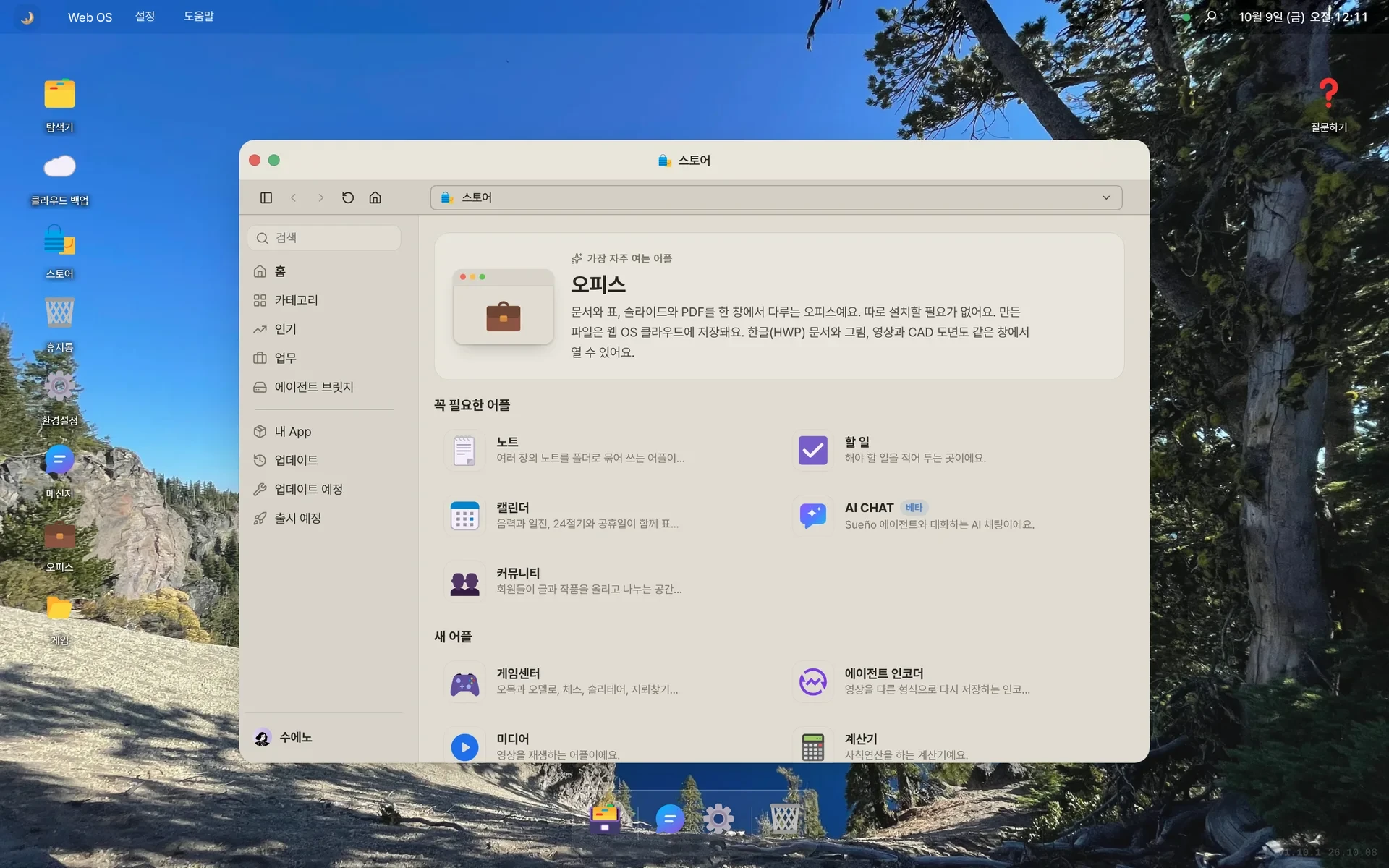
The apps you use every day, too
Ask AI CHAT and it finds the material you need, too. Shared to-dos notify everyone involved, and long pieces can be written together in ShareNote.
Browse the apps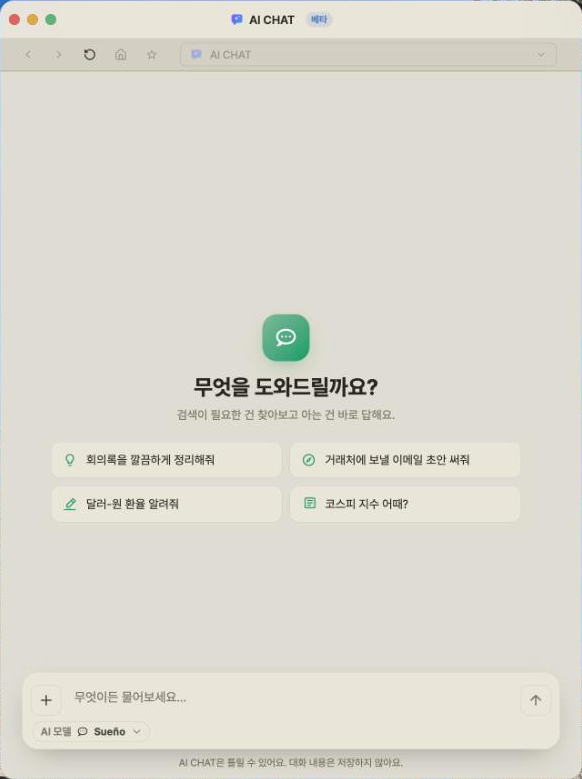
AI CHAT. Ask anything and get an answer along with the material you need. Keep a separate chat for each topic.
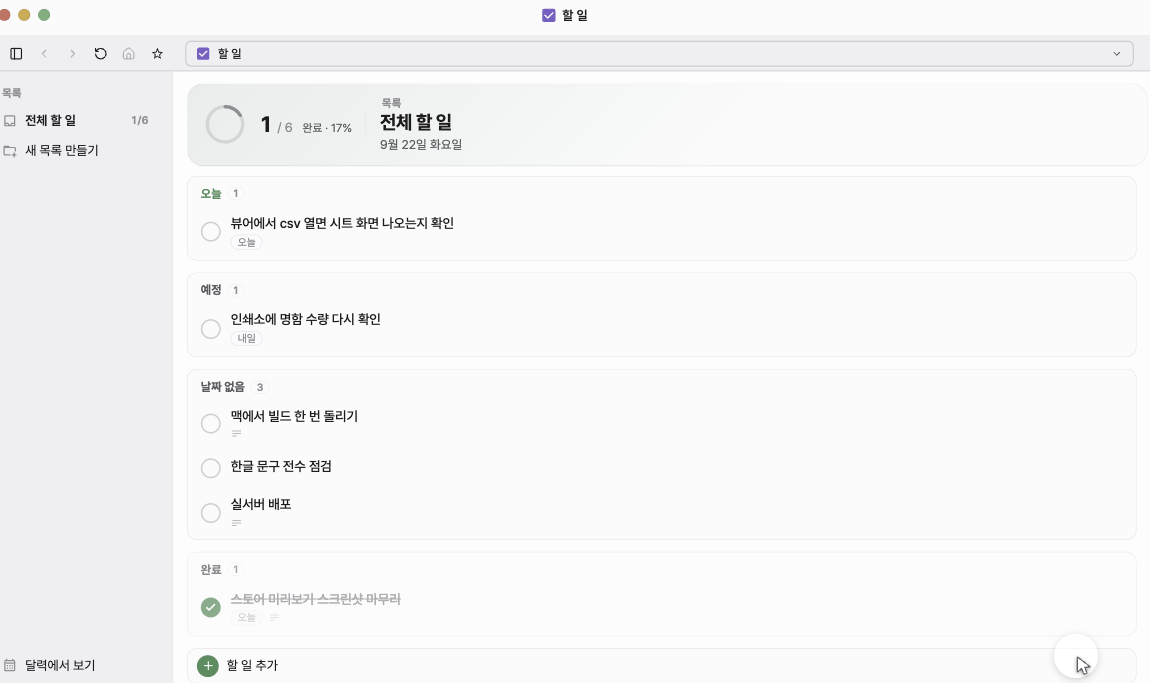
To-do. Add someone to share with and they get notified too, so you can keep track of shared work together.
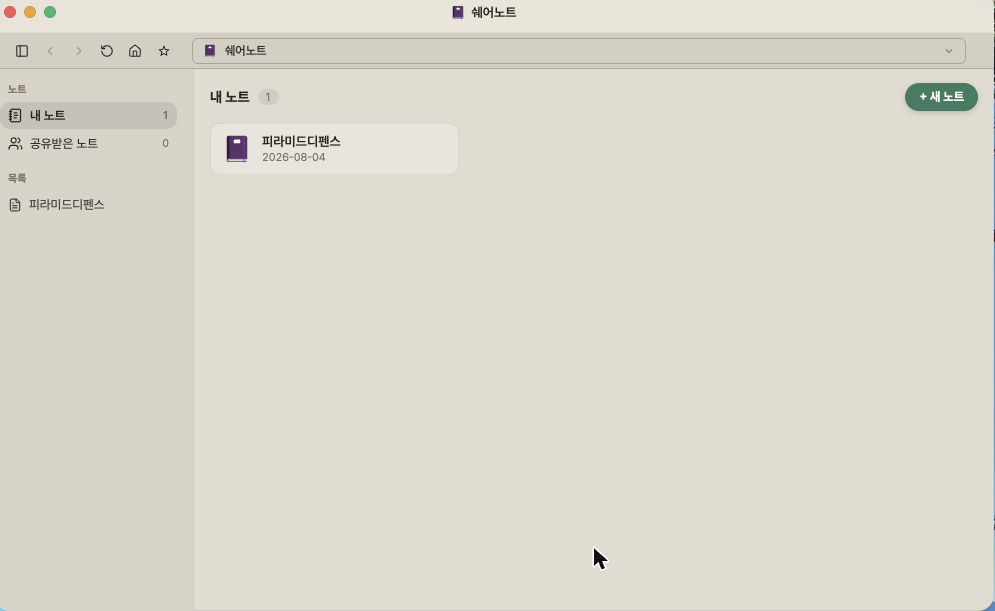
ShareNote. Write long pieces together. Split them by table of contents and share to a chat room to edit the same piece.
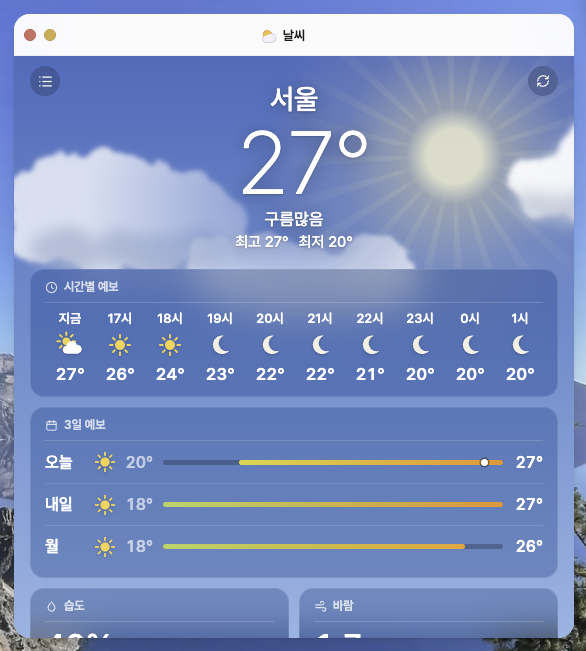
Weather. Feel the sky outside without looking out the window. When it rains, rain falls on screen too.
Even more features
Backups take care of themselves. An extra copy of your Web OS files is saved automatically to your connected OneDrive.
Documents save to the cloud. When you’re signed in, Office documents save automatically to Web OS cloud.
AI inside your documents. Hand spelling, translation and summaries to the in-document AI.
30 days offline. Verify the Office app for Mac or Windows once and edit documents offline for 30 days.
Home and work PCs in one view. Connect several PCs, then search all of them at once by file name.
Your drive passwords stay yours. Connect Google Drive or OneDrive and your passwords never reach us. We only touch files inside the Sueño folder.
All you need is a browser
There’s nothing to install. Sign in from a browser with an internet connection and your desktop opens, wherever you are.
Get started free- School computers
- Work computers
- PC cafés
- Your home computer
- Your phone’s browser
- A borrowed computer