


Vibebook
So your AI never forgets,
a smart log that records first
Vibebook records your AI conversations word for word as they happen and organizes them by topic. Even in a long chat or a new one, the AI looks up only what it needs and picks up where you left off.
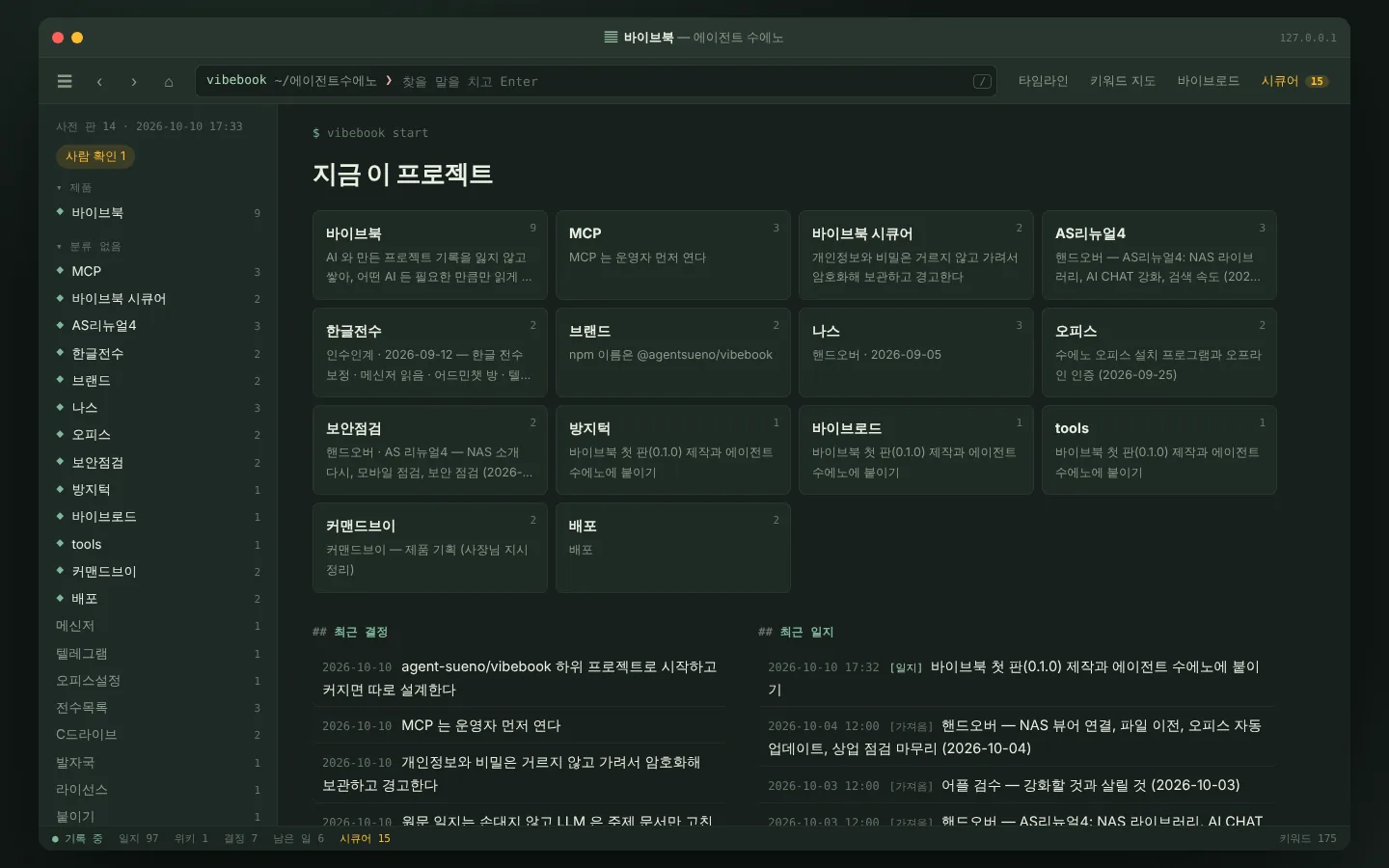
Vibebook
Every word kept. Memory that builds.
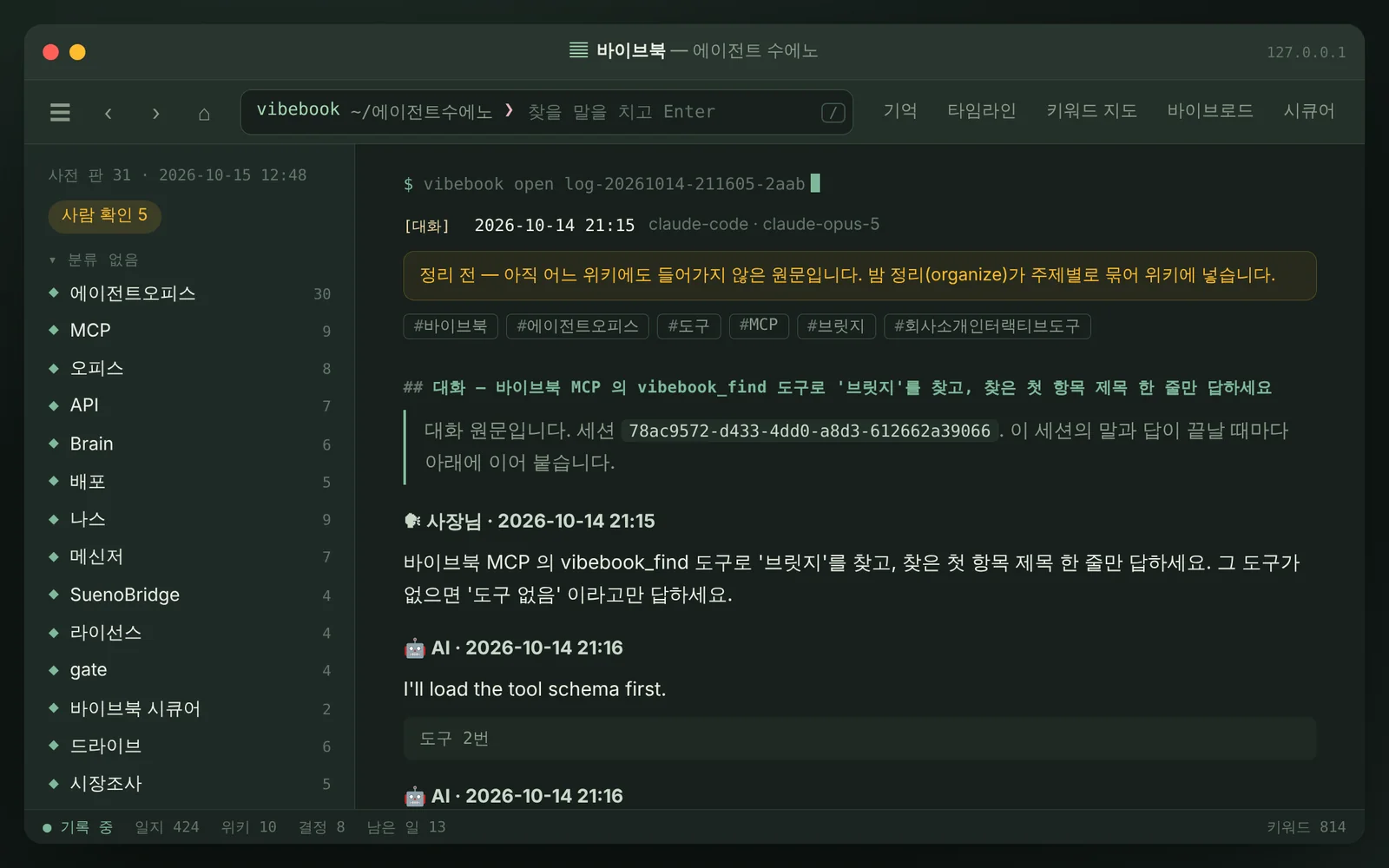
Records where nothing is lost. What you say and what the AI answers are kept word for word on your computer.
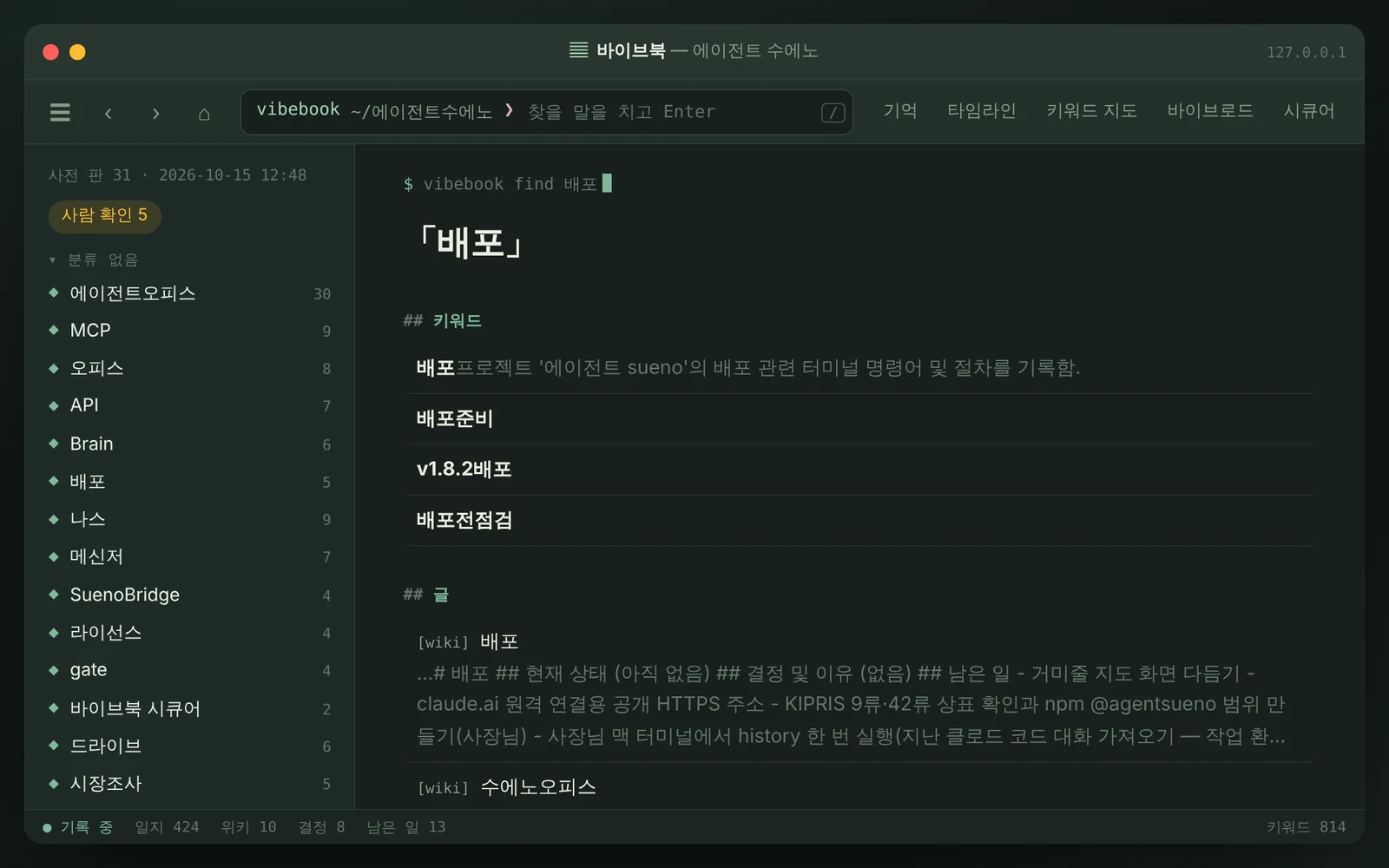
Keywords first. Before digging through the whole repository, the AI pulls only the relevant passages from a keyword index, so it doesn’t reread the same material from scratch.
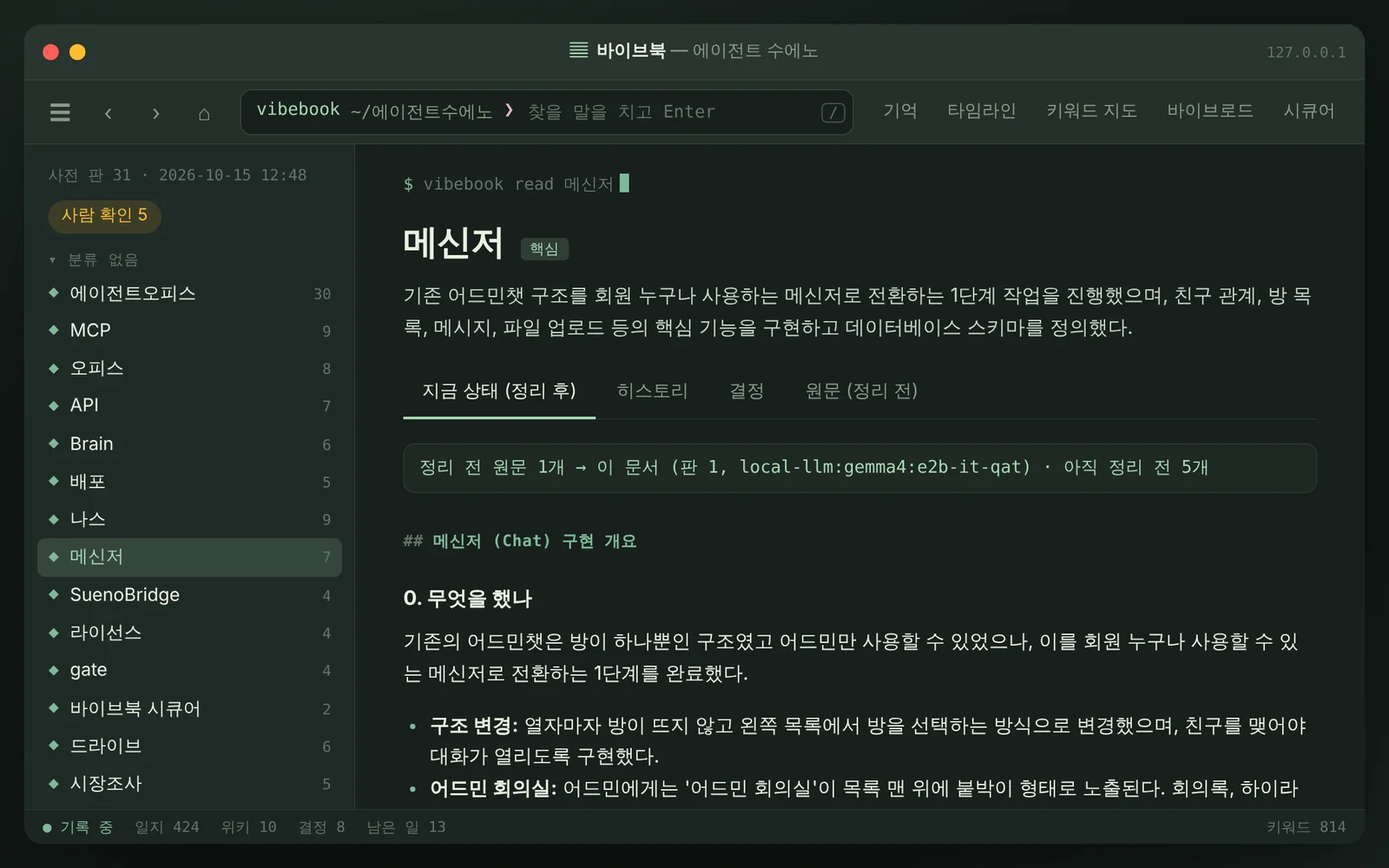
Topic pages that grow like a wiki. Each topic gets a single page summing up where things stand. Every earlier version is kept, so you can see what changed and when.
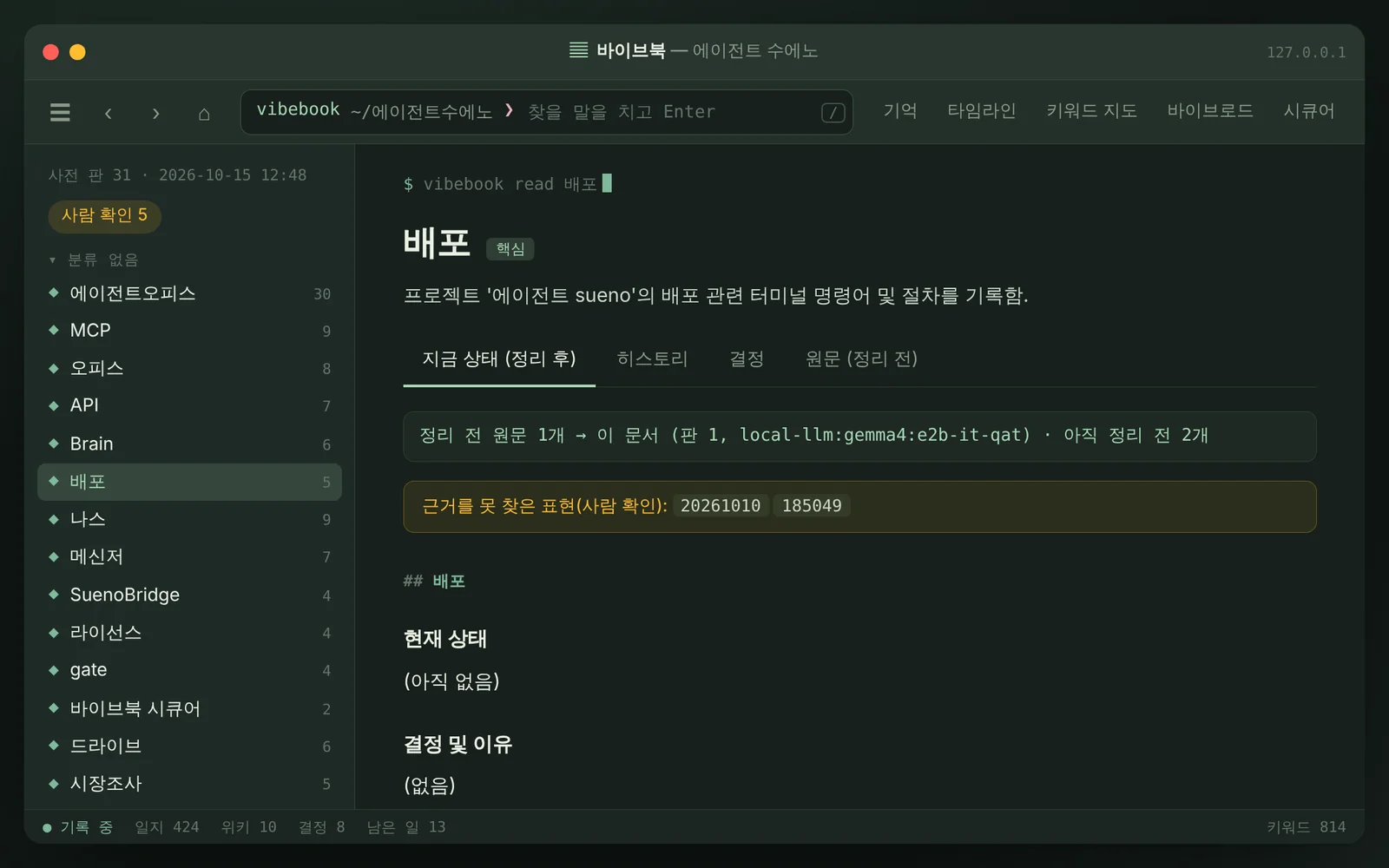
A local LLM tidies up once a day. A local LLM on your computer organizes new logs into topic pages. Anything it can’t back up from the original goes to a person to check.
Where it records
How it records depends on whether you use the web, an app or a coding tool.
Web
Install the Vibebook extension in Chrome to record chats on the web.
| Tool | Recording | Reading past records | Status |
|---|---|---|---|
| Claude (claude.ai) | The Chrome extension records the chat on screen | Adding past records on send is coming | Works now |
| ChatGPT | The Chrome extension records the chat on screen | Adds past records when you send | Works now |
| Gemini | The Chrome extension records the chat on screen | Adds past records when you send | Works now |
| Grok | The Chrome extension records the chat on screen | Adds past records when you send | Works now |
| Perplexity, Copilot, DeepSeek | Not supported yet | — | Not available |
Chrome only. In very long chats, recording starts from the part loaded on screen.
Apps
Agent Bridge needs to be running on your computer.
| Tool | Recording | Reading past records | Status |
|---|---|---|---|
| Claude (Mac, Windows) | Upload the Vibebook plugin to your account once, and chats linked to your computer are recorded | The AI looks up past records over MCP | Works now |
| LM Studio | Brings in the chat files the app keeps | The AI looks up past records over MCP | Coming |
| ChatGPT, Gemini, Grok | App chats can’t be recorded. Use the web version instead | Their connectors only accept internet addresses, so they can’t connect | Not available |
Coding tools
Agent Bridge finds and connects the tools you have. We’ve checked each tool’s official docs and are testing them one by one.
| Tool | Recording | Reading past records | Status |
|---|---|---|---|
| Claude Code | Records chats with hooks and adds past records to new ones | The AI looks up past records over MCP | Coming |
| Codex | Brings in chat files and adds past records with hooks | The AI looks up past records over MCP | Coming |
| Gemini CLI | Brings in chat files and adds past records with hooks | The AI looks up past records over MCP | Coming |
| GitHub Copilot CLI | Brings in chat files and adds past records when a session starts | The AI looks up past records over MCP | Coming |
| Cursor | Brings in chat history and adds past records when a session starts | The AI looks up past records over MCP | Coming |
| VS Code (Copilot Chat) | Brings in the chats VS Code keeps | The AI looks up past records over MCP | Coming |
| Windsurf (Devin Desktop) | Not supported yet | — | Not available |
How to install
Install Agent Bridge
Download Agent Bridge for your computer from Web OS Settings › Local (NAS) and install it. It runs on Mac and Windows.
Turn on automatic recording
Turn on Automatic AI recording in Agent Bridge’s Local AI tab, and it finds the AI apps on this computer and connects them. Apps you install later are connected too, and each one has its own switch.
View your records
Click View Records to see keywords, memory and the timeline in your browser. The address only opens on this computer.
We’re using it ourselves first
We’re building up records by using it on Agent Sueño’s own projects. We’ll release it once it’s polished.